How Jewelry Store Island Showcase Design Influences Customer Dwell Time
26 August, 2026




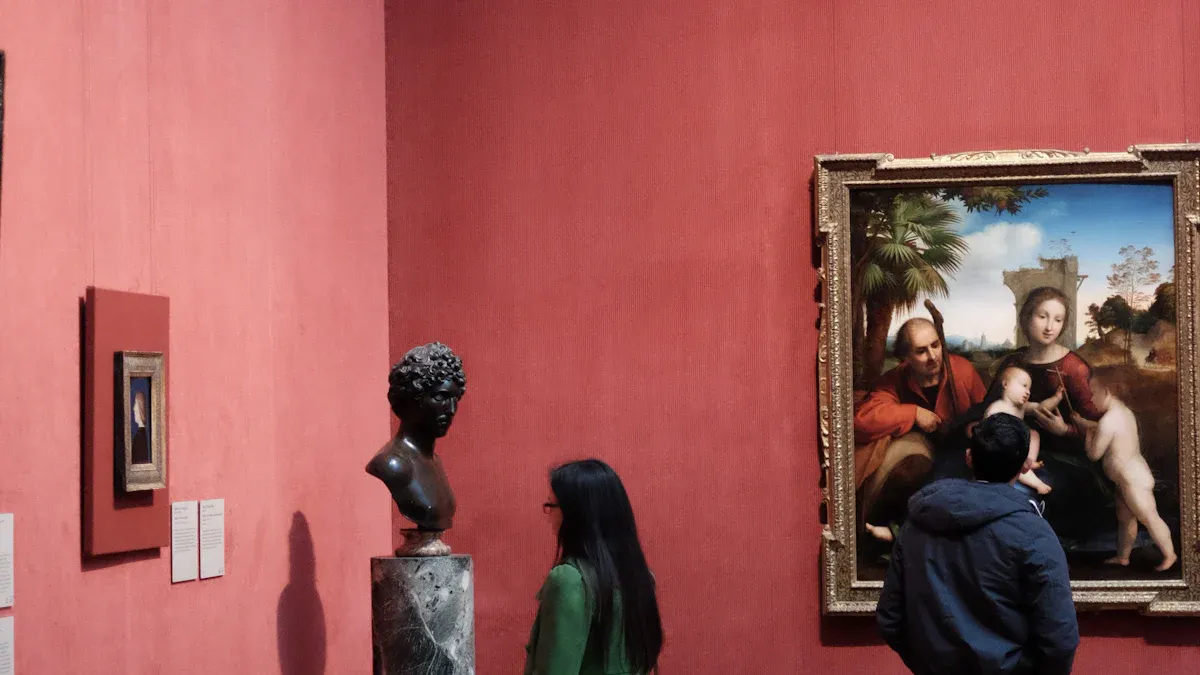
Designing museum space involves a unique responsibility. You must ensure that important collections are kept safe while also creating environments where visitors feel happy and engaged. Experts in museum space design emphasize that thoughtful decisions regarding architecture, lighting, and acoustics play a crucial role in achieving this balance. By effectively managing the space and planning accessible areas for movement and relaxation, you can encourage visitors to stay longer and enjoy a more enriching experience.
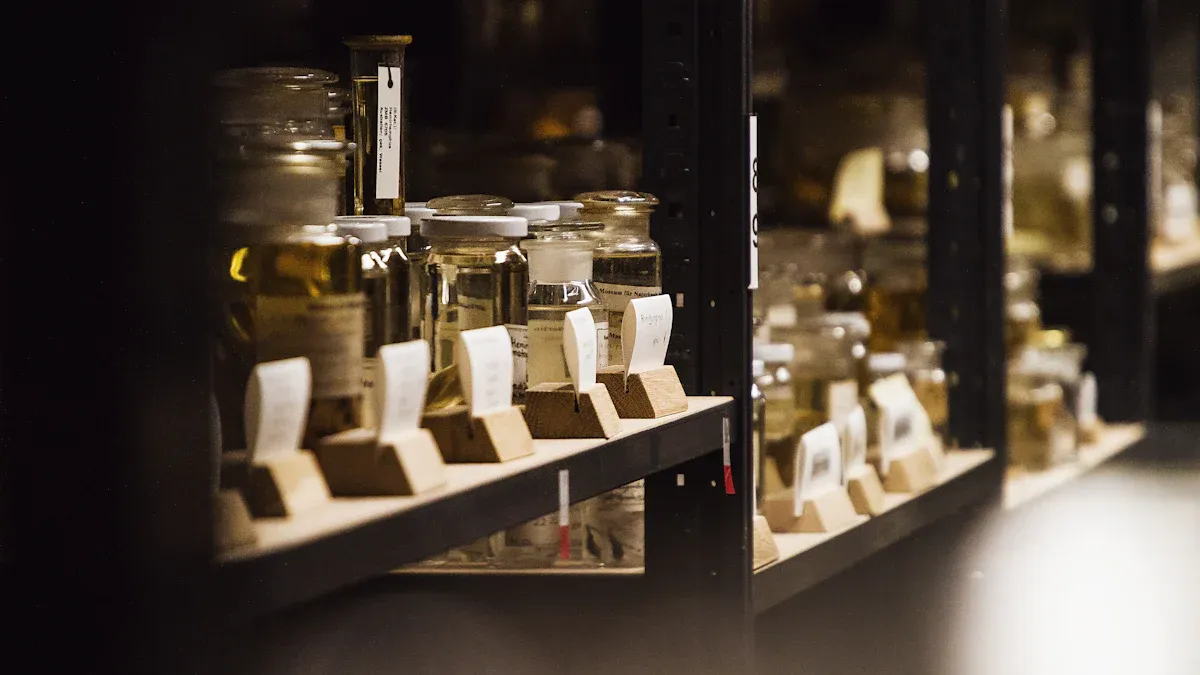
You help keep museum collections safe from harm. Changes in temperature and humidity can damage things. Stable conditions stop paper, wood, and textiles from cracking or getting mold. Museum space design uses special dehumidifiers and humidifiers. These machines control moisture in the air. They work quietly and keep things steady. Weather outside does not change the inside much. Museums use smart sensors and automation. These tools watch and adjust temperature and humidity. You can check conditions from anywhere. You can fix problems fast if something goes wrong.
Tip: The right temperature and humidity protect artifacts and help visitors feel good.
Here is a table with recommended ranges for museum environments:
| Parameter | Recommended Range |
|---|---|
| Relative Humidity (RH) | 45-55% (allowable drift +/-5%) |
| Total Annual RH Range | 40% minimum – 60% maximum |
| Temperature | 59-77˚F |
Light can hurt sensitive objects over time. Museum space design uses lighting that keeps artifacts safe. Visitors can still see them well. LED lights are best because they do not make much heat. They do not give off harmful UV rays. Light meters measure how much light artifacts get. Keep light levels low for fragile items. Use UV filters and block windows in storage rooms. Motion sensors turn lights on only when needed.
Protecting collections is more than locking doors. Museum space design uses many tools to keep items safe. Vibration sensors and anti-touch barriers stop people from touching or moving things. Asset tags and wireless sensors track where items are. Cameras and motion detectors watch galleries and storage rooms. Guards are important too. They help visitors, answer questions, and keep watch. Guards learn to blend in and make the museum friendly.
| Technology Type | Function |
|---|---|
| Vibration Sensors | Trigger alarms if an artwork is moved |
| Anti-Touch Barriers | Prevent unauthorized contact |
| Asset Tags | Track the location of items |
| Camera-Based Systems | Monitor objects with motion detection |
| Wireless Sensors | Detect movement instantly for stationary objects |
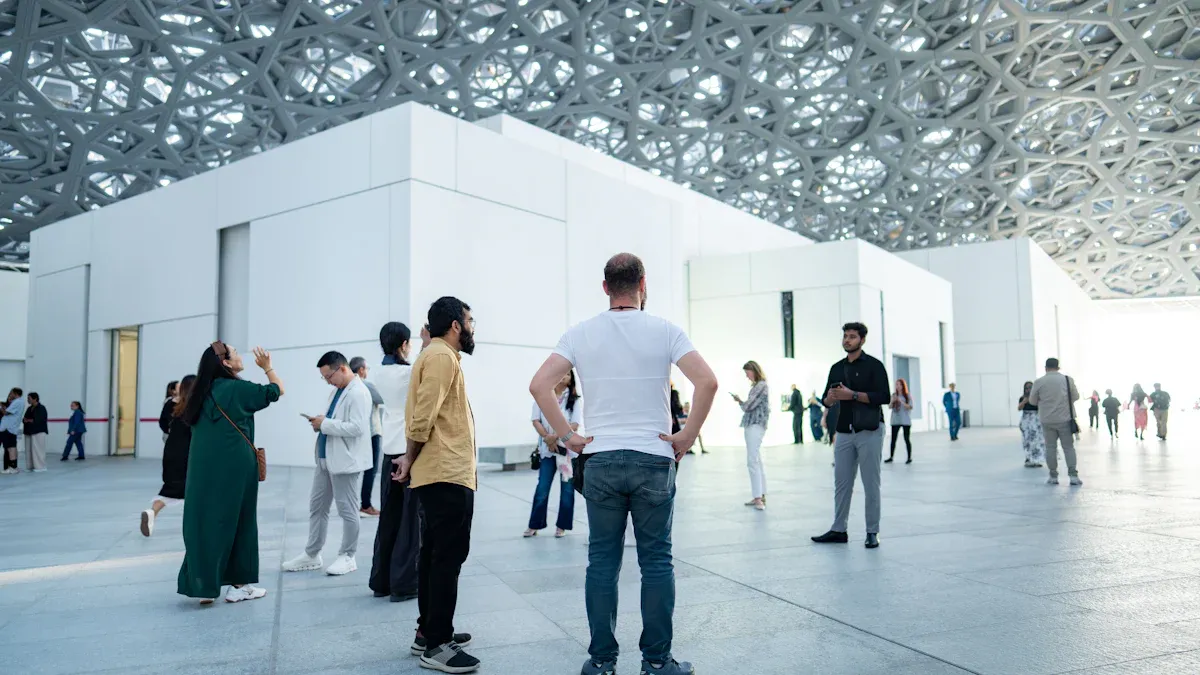
Visitors should move through the museum without trouble. Good museum space design looks at how people act. Spaces between exhibits help visitors get used to new areas. You can work with curators to make clear paths. Exhibition designers help guide visitors too. Sensory mapping helps control noise and lights. This makes the museum nice for everyone, even neurodiverse guests. Pedestrian Dynamics is a tool that models visitor movement. Technology helps direct people to busy exhibits, food, and restrooms. This spreads out crowds and keeps the museum calm. The British Museum uses online tools to excite visitors before they come. The visit starts before people walk inside.
Tip: Clear paths and good planning help visitors feel safe and keep exhibits safe.
Every visitor should feel welcome and comfortable. Museum space design uses universal design so all can enjoy the museum. Tactile guide paths and grouped water fountains help people find their way. Clear signs make it easy to get around. Lights along paths and resting spots make the museum safe. Multilingual signs and visual warnings help everyone. Staff learn how to help guests with different needs.
| Accessibility Standard | Description |
|---|---|
| Universal Design Principles | Usable by all people without special adaptation. |
| Multi-sensory Interactivity | Engages visitors in different ways. |
| Audio and Visual Accessibility | Captions, audio tours, and transcription for better access. |
| Wayfinding | Clear signs, maps, and digital tools for easy navigation. |
| Seating and Rest Areas | Many seating options for comfort. |
| Interactive Elements | Displays are easy to reach and use for everyone. |
Interactive features make visits special. Digital twin technology lets visitors see stories and artifacts in new ways. Mobile apps give maps and information to help visitors learn. Interactive technology makes visits more real and fun. When technology is simple, visitors want to learn more. Museums check if these features work by seeing if visitors are interested and learn new things.
Note: Interactive exhibits should be fun and safe for both visitors and artifacts.
Museum spaces can change to fit new needs. Flexible space planning lets you move walls and displays. You can also move seating to make room for new exhibits. This helps you hold events without putting collections at risk. Modular walls and movable cases help change the layout fast. This keeps the museum interesting for visitors.
Here is a table showing how flexible space planning helps both preservation and visitor experience:
| Benefit | Description |
|---|---|
| Adaptive Interpretation | You can change exhibits when visitors give feedback or new research comes out. |
| Co-Creation with Communities | The public helps shape stories, so exhibits mean more to them. |
| Digital Storytelling | Technology helps bring artifacts to life and makes learning fun. |
| Personalized Journeys | Different learning styles get different experiences, so visits are more fun. |
| Flexible Spatial Layouts | Many programs and events can happen, keeping visitors happy and artifacts safe. |
You can use modular or adaptable spaces in these ways: Place interactive installations near sensitive objects, but control the environment well. Use light and sound rules. Set the highest light levels for each material. Use UV filters and control heat from displays. Keep interactive elements away from cases with objects. Use vibration damping for floor installations. Watch temperature, humidity, and air quality to keep collections safe.
Museum spaces should feel good for visitors and keep artifacts safe. Sensory comfort means you control light, sound, and touch. Directional speakers keep sound in one spot. Volume limits stop noise from bothering other galleries. Headphones can be used in quiet spaces.
Light discipline matters a lot. Set low light for textiles and higher light for paintings. Use UV filters and timed dimming to protect objects. Proximity-triggered lighting turns on lights only when visitors are close.
You also protect objects from vibration and dust. Keep interactive displays away from fragile items. Use floor mounts with vibration damping. Watch air quality and clean often to lower dust from visitors.
Here is a table showing strategies that help both visitors and collections:
| Strategy | Benefit for Visitor Experience | Preservation Aspect |
|---|---|---|
| Specialized display cases | Visitors see artifacts clearly and safely | Artifacts stay protected from damage |
| Energy-efficient LED lighting | Spaces feel bright and welcoming | Less heat and UV exposure for objects |
| Thoughtful exhibition layout | Visitors move easily and interact with exhibits | Safe spacing for all collections |
Tip: Balancing sensory comfort and conservation makes the museum fun and safe for everyone.
Technology can help with both preservation and visitor engagement. RFID tags track artworks without changing how they look. Digital cataloguing and 3D scanning keep detailed records. These tools help restore and protect collections.
You can also use: Projection mapping and holographic displays for cool exhibits. App guides and virtual reality for personal tours. Tablets and mobile apps for feedback and surveys. Digital twins to watch visitor movement and improve the experience. 3D printing to make replicas for hands-on learning.
Smart systems like AI and IoT sensors help create adaptive environments. AR and VR let visitors explore artifacts in new ways. Digital tools make museums more open to everyone. Virtual tours and online exhibitions help people who cannot visit in person.
Note: Using technology wisely protects collections and makes visits special.
Museum space design brings together preservation and experience. Flexible planning, sensory comfort, and technology help create spaces that inspire and protect.
You can learn from museums that do both things well. Glenstone mixes art, buildings, and nature together. The museum has simple pavilions and water features. This design makes you walk slowly and think quietly. Perot Museum has bold shapes and fun exhibits. You can explore science at your own speed. The Strong Museum of Play uses a special system inside. This helps you find places and get content just for you.
Here is a table with important features of these museums:
| Museum Name | Key Features |
|---|---|
| Glenstone | Mixes architecture, art, and landscape. Quiet places. Simple design. |
| Perot Museum | Bold building shapes. Fun exhibits for everyone. Lets you explore. |
| Strong Museum of Play | Smart navigation system. Content made for each visitor. |
These museums use stories in their spaces. You follow easy paths and see cool displays. They show collections in open storage but keep objects safe. This way, you see more and artifacts stay protected for the future.
You can use good ideas from these museums:
Here is a table with lessons you can use:
| Key Lesson | Description |
|---|---|
| Digital Enhancement | Digital tools should help exhibits, not take their place. |
| Consistency | Use clear words and signs so people can find their way. |
| Integration | Mix digital and real things for better experiences. |
| Visibility | Show archives to help people learn and see culture. |
| User-Centric Design | Test designs with visitors to meet their needs. |
Museum space design works best when you keep objects safe and make visits fun. You can build places that help people learn and protect collections for a long time.
You can keep artifacts safe and make visits fun with smart plans.
Work with people in your area and add digital tools. Set goals for learning and make visits special. Be ready to try new things. Use these ideas in your next museum project to help and inspire people for a long time.
Clear glass display cases keep artifacts safe. Barriers and sensors help protect them too. Rules tell visitors not to touch things. Signs remind everyone about the rules.
Tip: Always ask a staff member before you touch anything.
RFID tags, cameras, and sensors help protect collections. Smart devices check temperature and humidity. Digital records help you watch items.
| Technology | Purpose |
|---|---|
| RFID tags | Track where things are |
| Sensors | Check the environment |
Interactive screens and games make museums fun. Audio guides and hands-on exhibits help people learn. There are places to rest when you get tired.
Special lights protect objects from damage. LED bulbs do not make much heat. Filters block UV rays that can hurt artifacts.
Note: Good lighting lets you see details and keeps things safe.
Ramps and elevators help everyone get around. Tactile paths and audio guides make visits easier. Staff learn how to help people who need it.